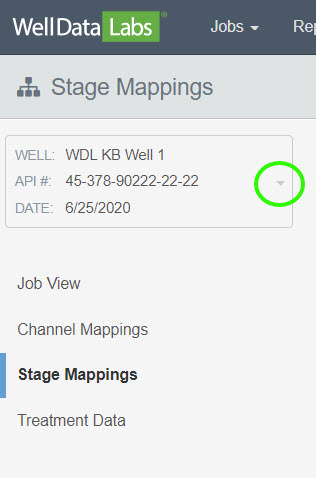
Open the Stage Mappings page and select your well from the drop-down in the upper left-hand corner of the page.
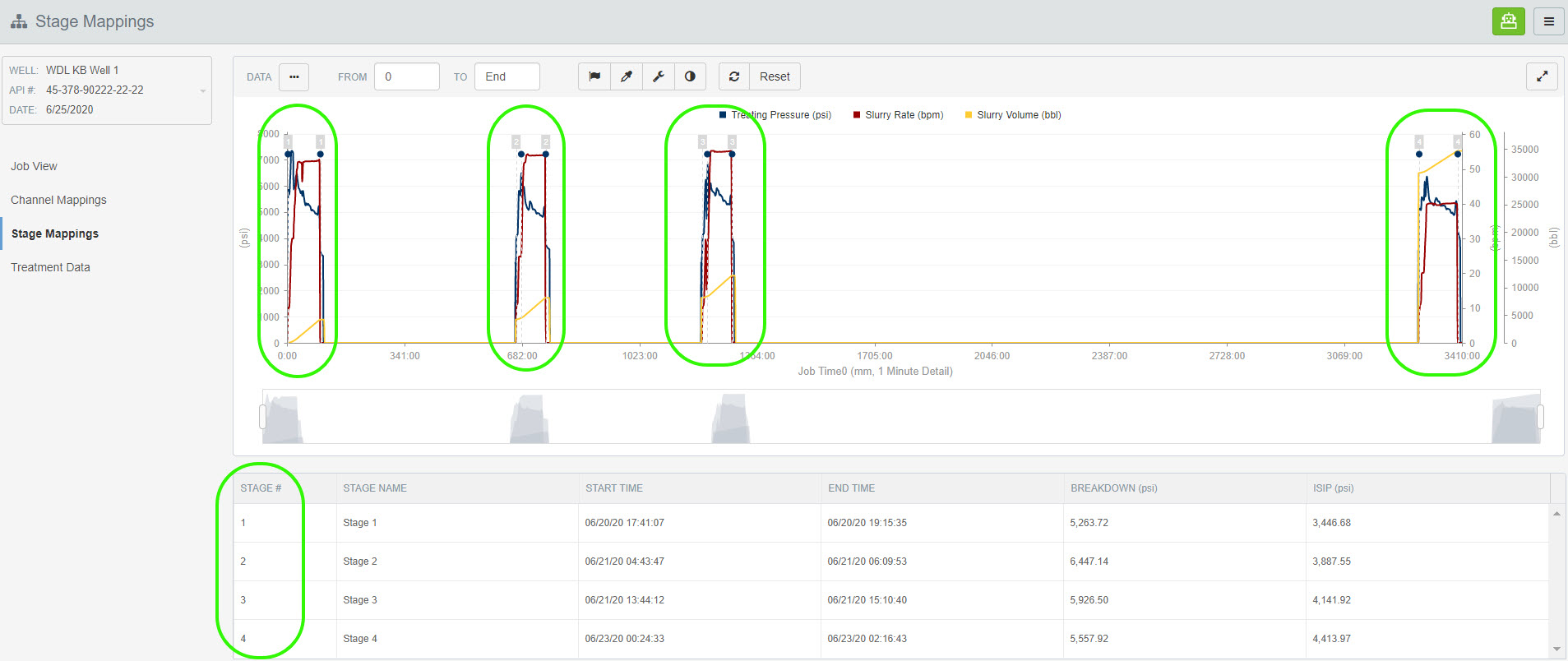
In the screenshot below, there are 4 stages and we need to insert a stage between stage 3 and 4.
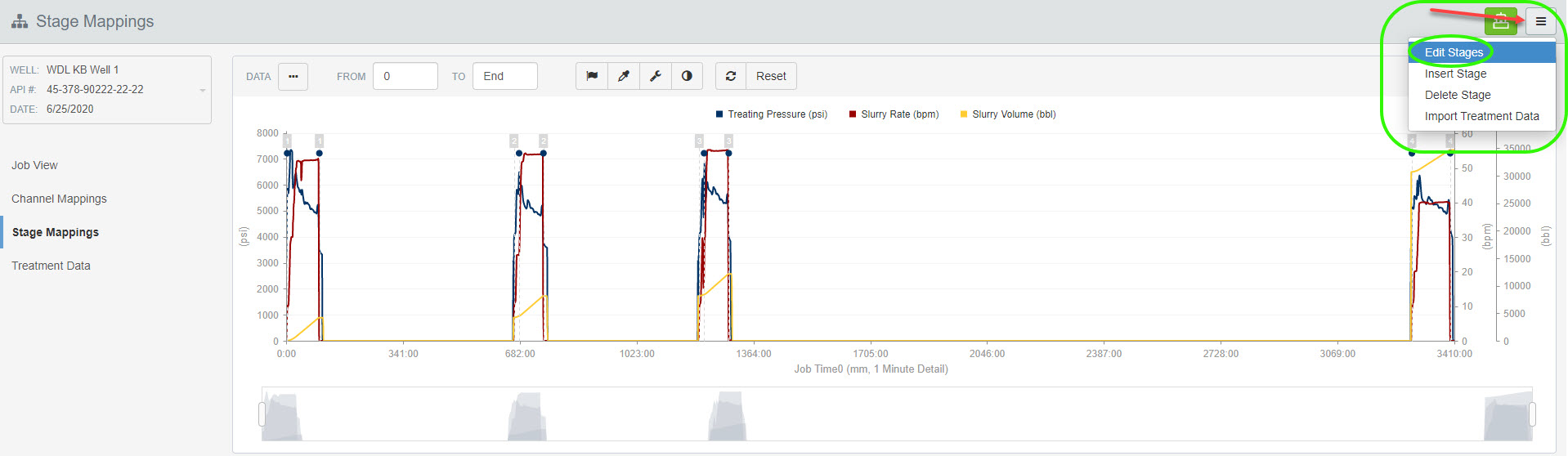
Click the 3-bar button on the top right-hand corner of the page. Select Insert Stages.
When the Insert Stage window opens, enter a stage number and click Save.
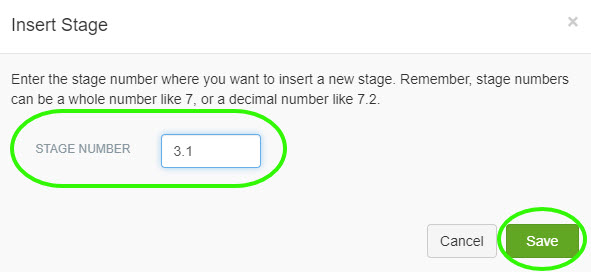
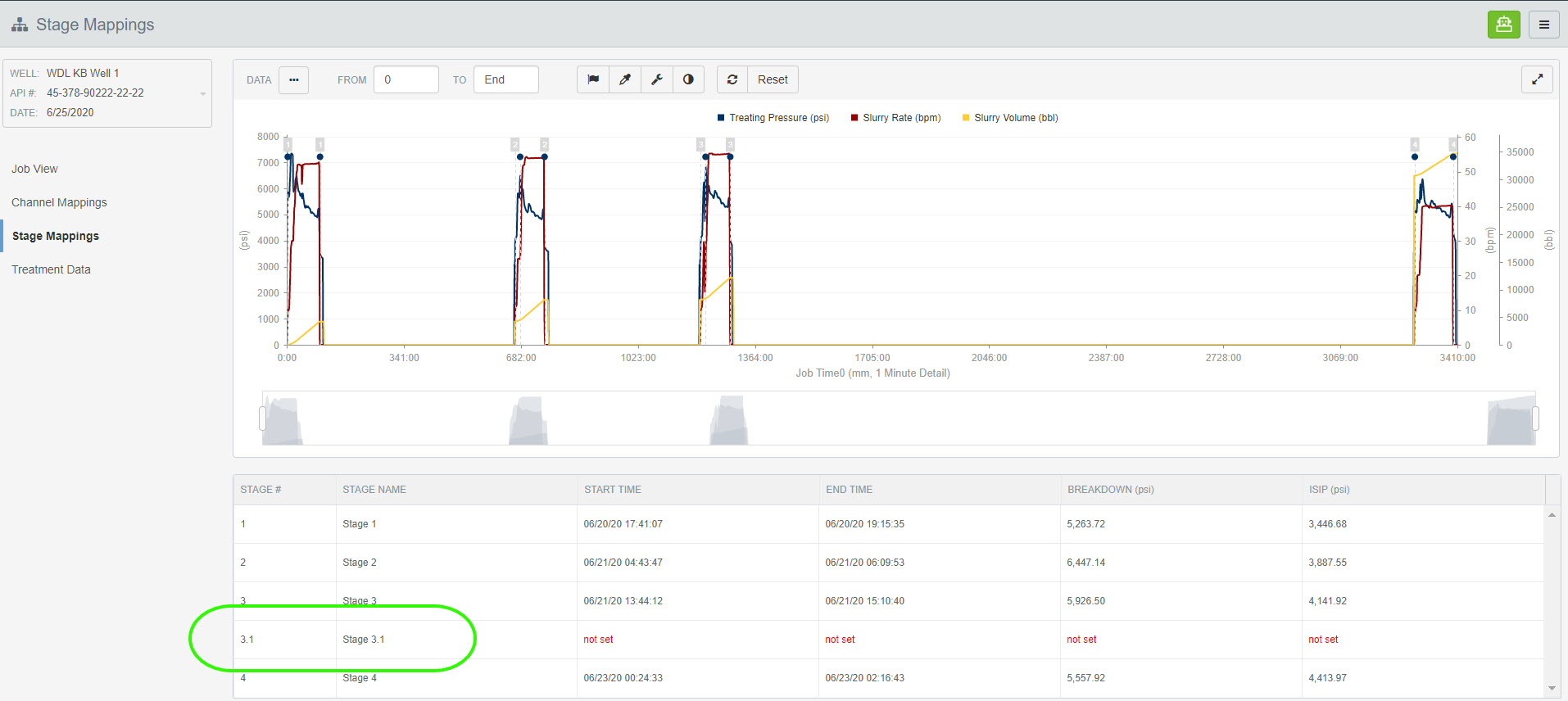
The Stage Mappings have been updated and stage 3.1 has been inserted.