

Welcome to ChatWDL! After 10+ years solving oilfield data challenges, we’ve seen the same pattern: teams spend hours of their day hunting for insights instead of acting on them. ChatWDL empowers you to proactively drive workplace innovation through autonomous, agentic workflows, eliminating the delays associated with traditional business processes.
Access ChatWDL from within the Completions Platform!
Click ChatWDL in the top navigation bar of Well Data Labs Completions. The ChatWDL interface opens within Completions in the same browser tab.

Open ChatWDL from the Completions navigation bar.
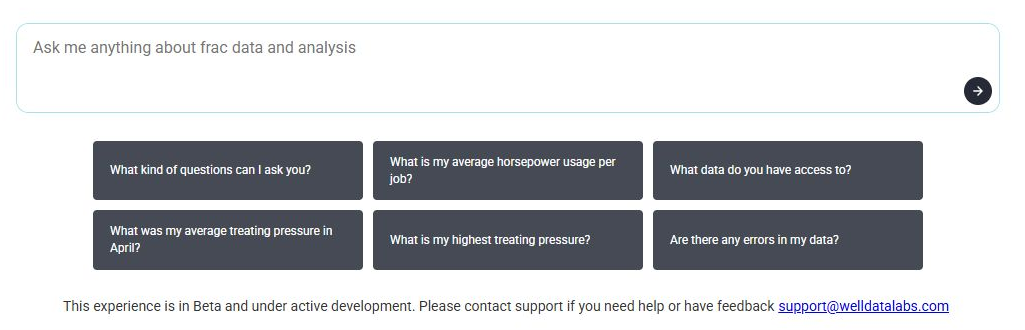
The ChatWDL question box and suggested prompts in Completions.
What are some questions (or prompts) I can ask ?
You have a lot of data at your disposal. In some cases YEARS of data. We've pre-filled some options for you to get you started. Start with a suggested prompt or enter your own question. When asking about a specific well or pad, include its name and the date range you want to review. Try these:
"Give me a high level summary of all active operations today. Highlight anything unusual in pressure, rate, or timing that I should be aware of."
“Summarize today’s frac performance across all pads. Call out any stages that looked off-pattern or worth reviewing.”
"What is my average horsepower usage per job?"
Digging even deeper with ChatWDL
After a response, you can follow up with, "Summarize the completion performance for Boxwood 1H during 9/1/2026 to 9/21/2026. Highlight stages worth reviewing based on treating pressure, ISIP, or pump rate."
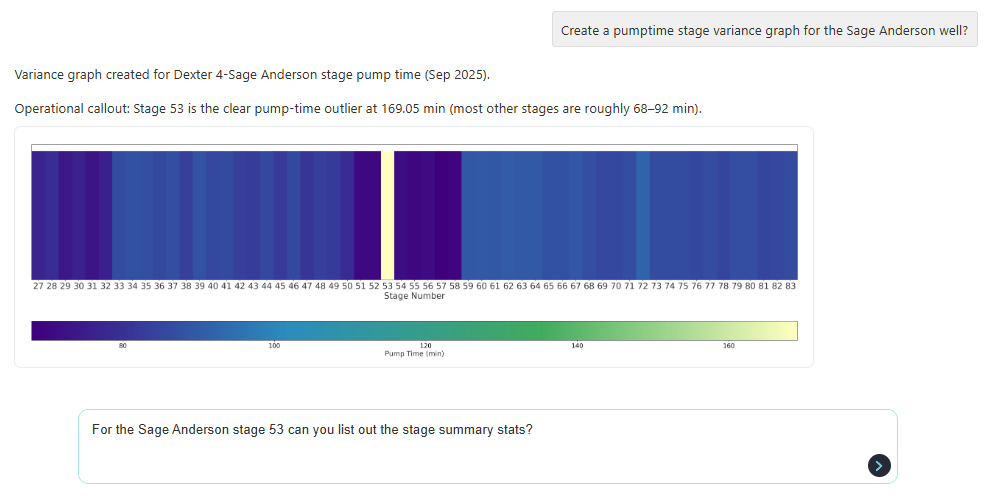
ChatWDL can create graphs, too!
"Create a pumptime stage variance graph for the Sage Anderson well."
Below are some typical customer use cases:
Data exploration - "What data do you have available?"
Frac Stage Performance Analysis - “Show the stages with the highest ISIP.”
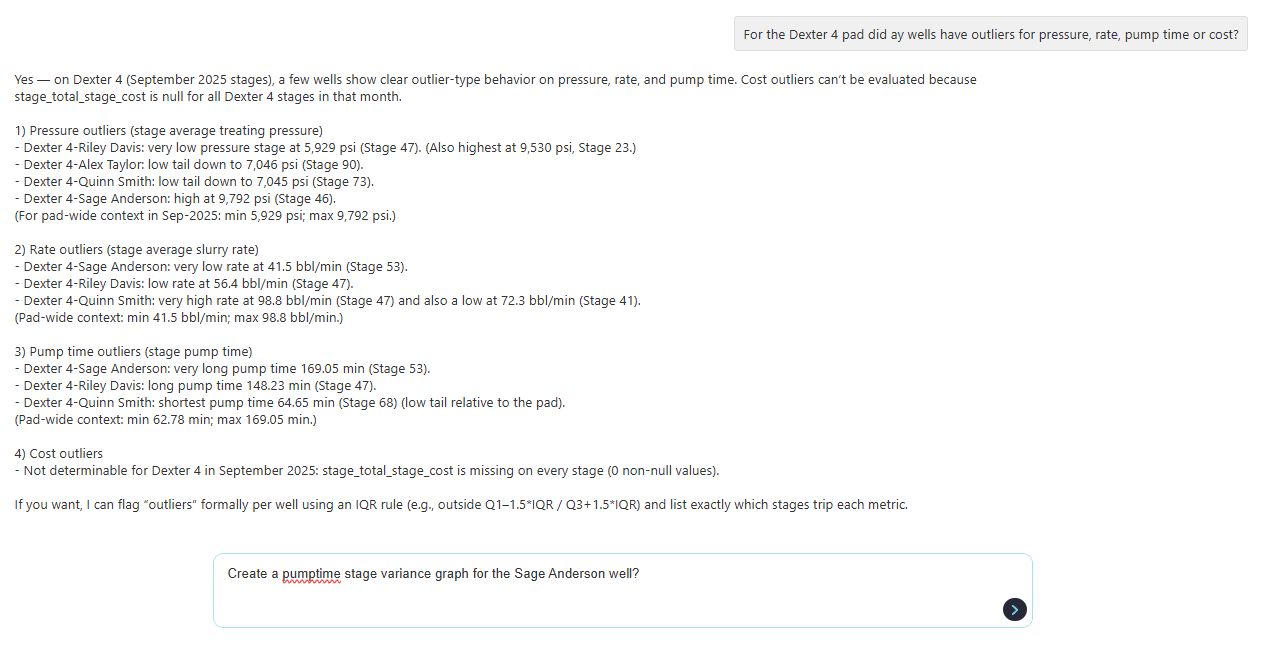
Operational Anomaly Detection - “Identify stages where pump rate dropped unexpectedly.”
Have more questions about ChatWDL? Send a note to support@welldatalabs.com