

Need to get rid of a job you no longer need? We've made it super easy to delete jobs!
From the Job List:
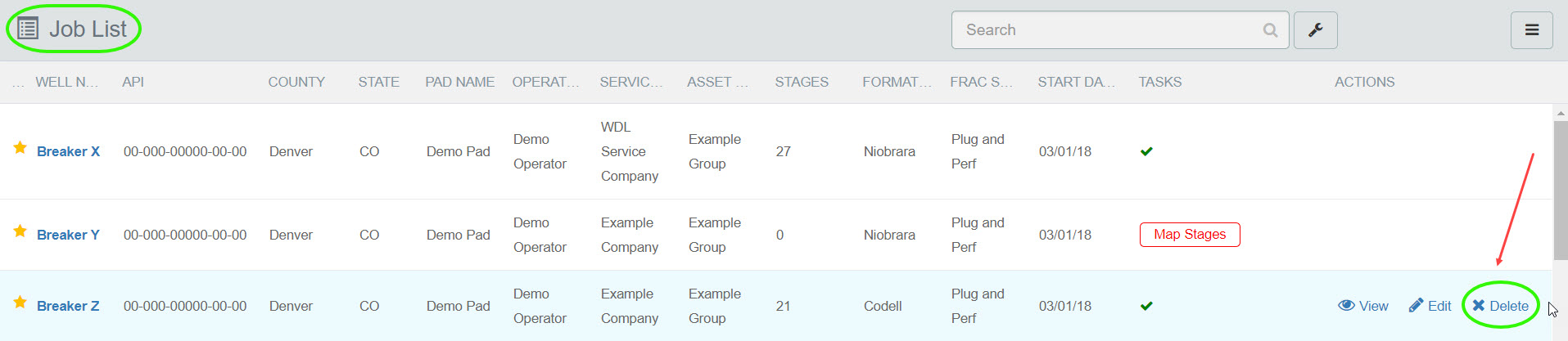
Hover over the job that you want to remove. Select the Delete action button.
A popup will ask you to confirm your decision to Delete.
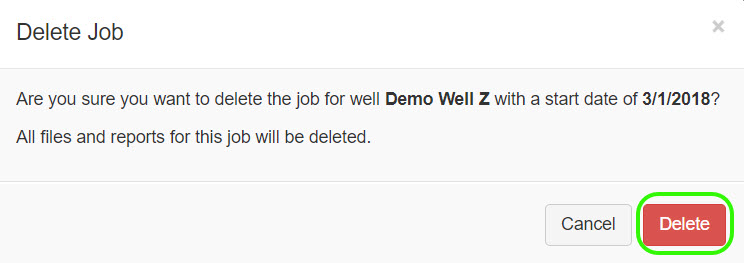
Upon confirming your decision the job record will disappear from the Job List.
Need to delete a single Data File within a Job Record? Learn how in Delete Data File.