

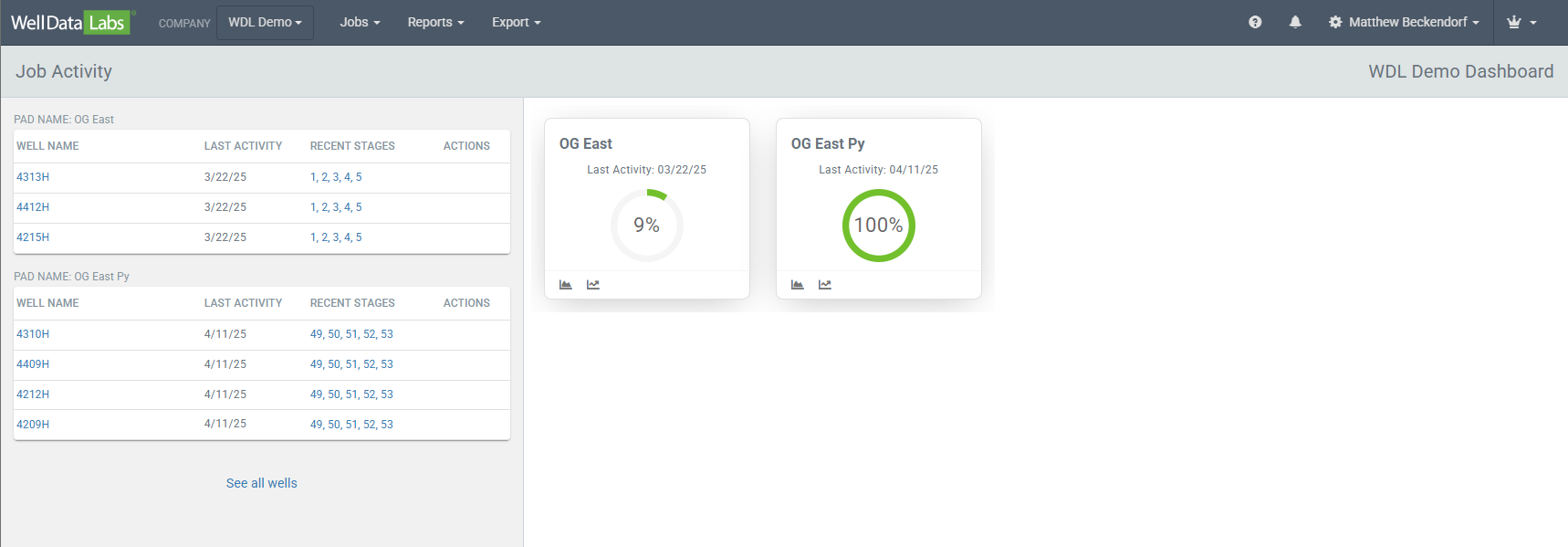
Welcome to our Dashboard view! When you log in to Well Data Labs, this is the first page you will see. The left-hand side of the page displays your most recent 30 days of Job Activity grouped by the Pad Name. On the right-hand side, every segment of Well Data Labs that you need quick access to, is displayed here. Easily click on any of the tiles to get you where you need to be!
Job Activity:
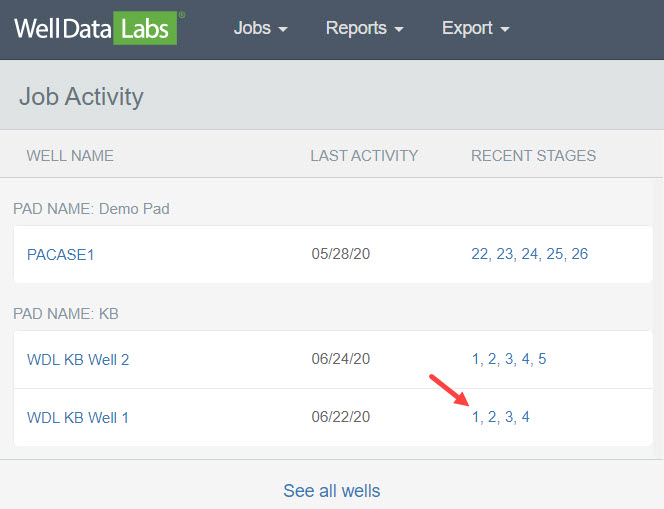
Job Activity displays your most recent 30 days of job activity grouped by Pad Name. There are a few options you can use to quickly navigate to the Job Summary, the Stage Summary, the Job View page and the Job List.
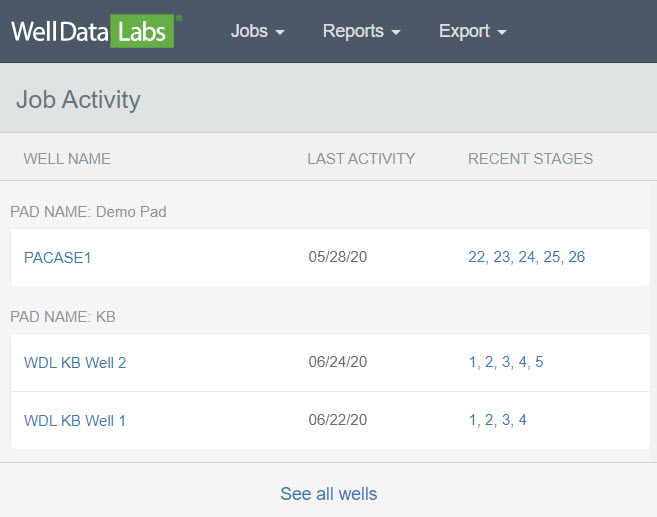
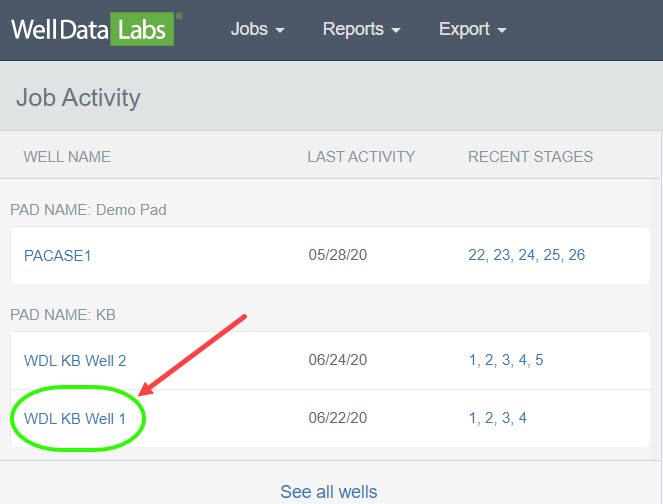
To gain quick access to a well’s Job Summary, click on the well name.
The Job Summary for the entire well displays.
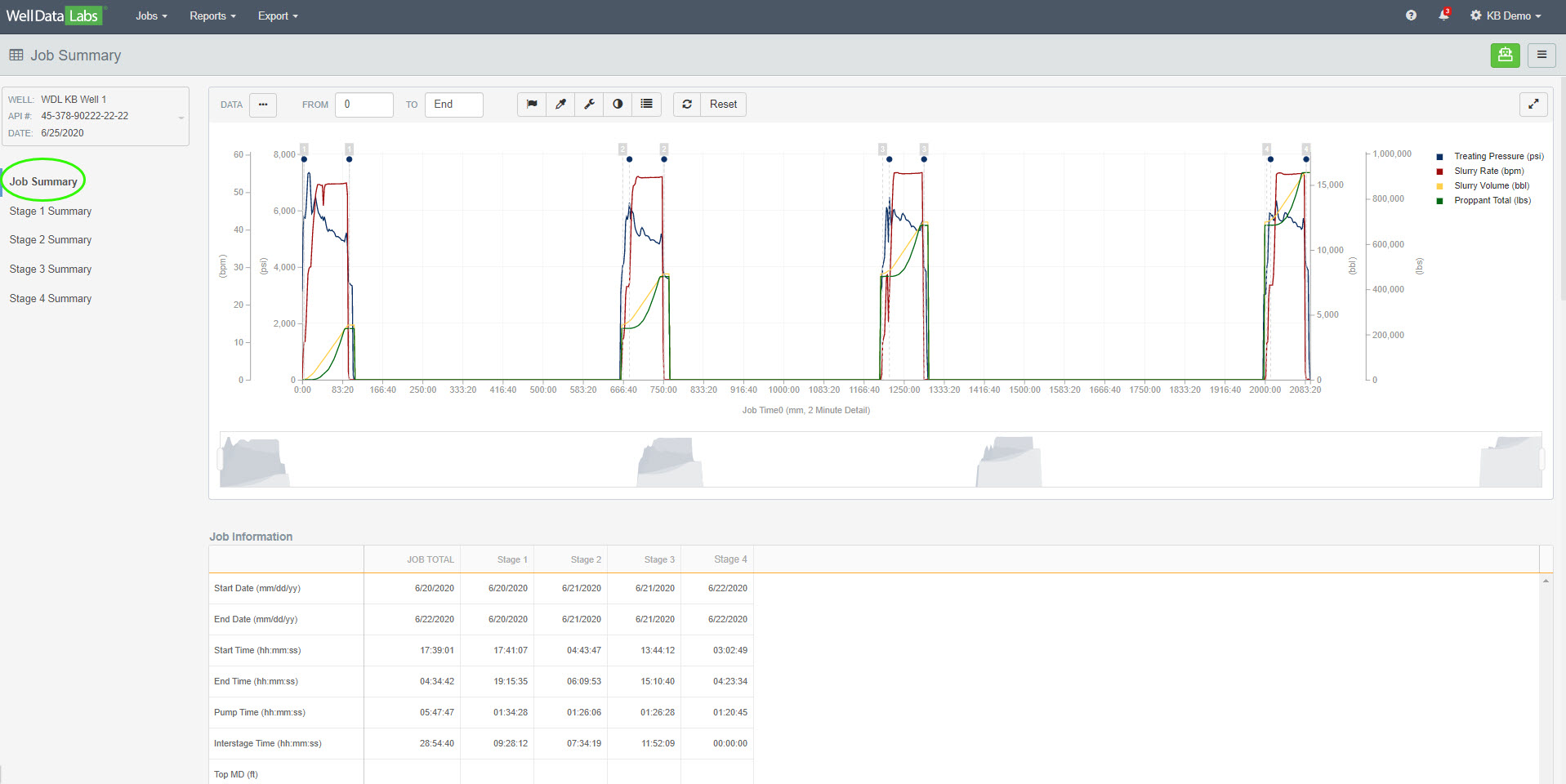
**Please note: To return to the Dashboard, click on the Well Data Labs logo in the upper left-hand corner of any screen.

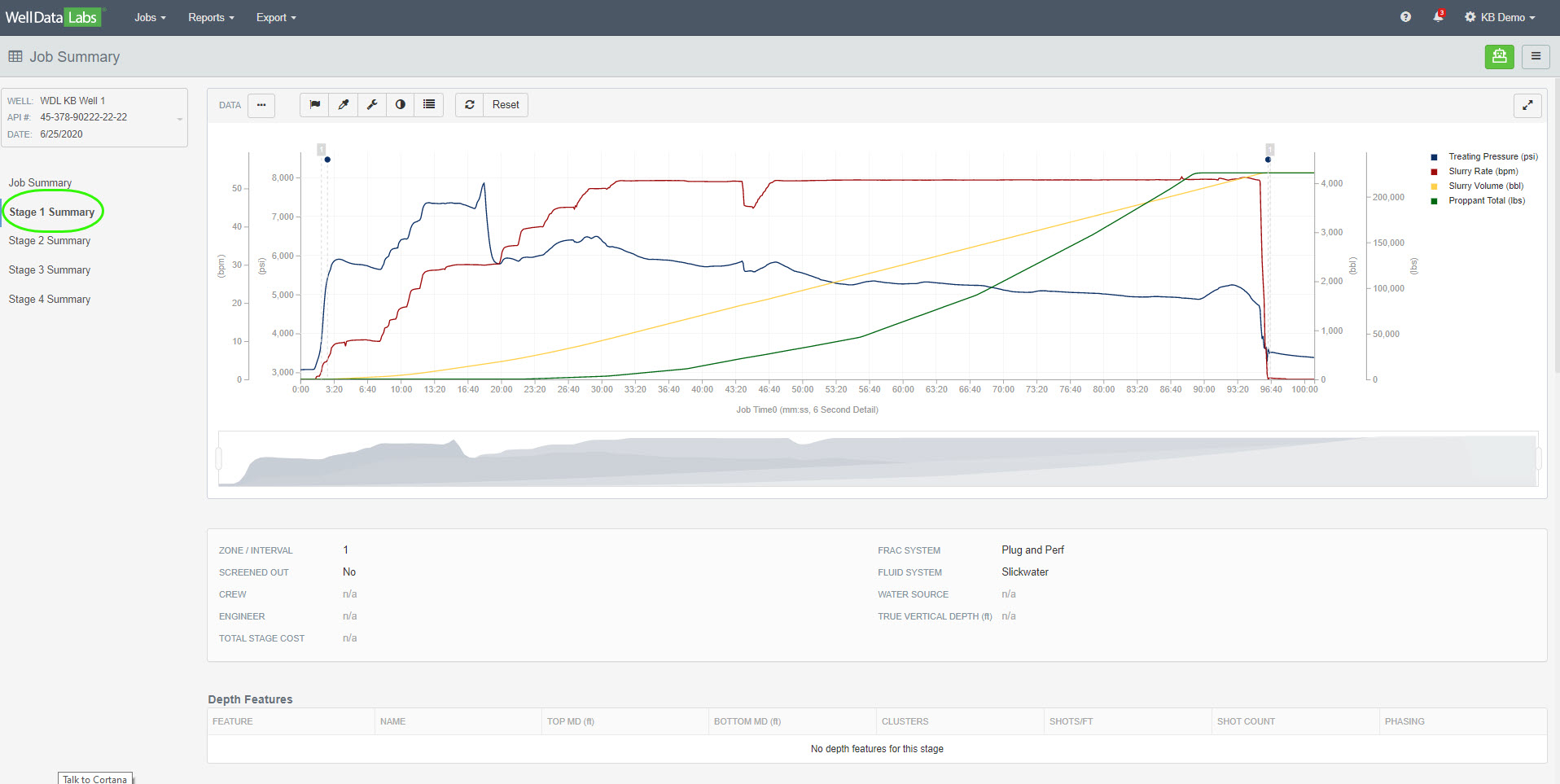
Click a stage number for quick access to that individual stage’s summary.
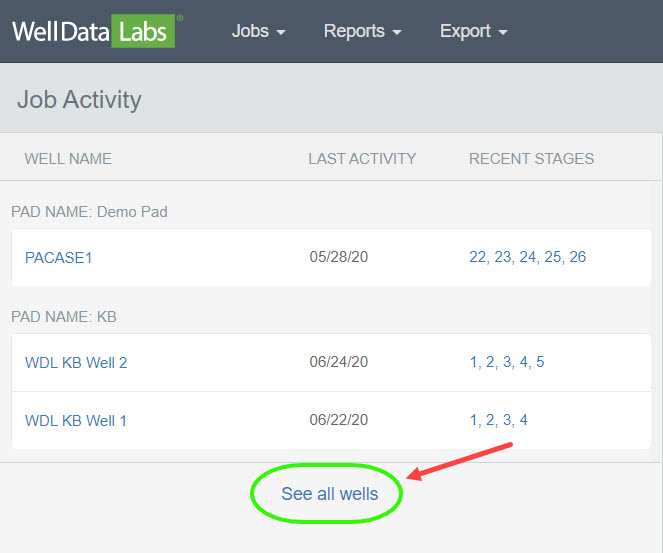
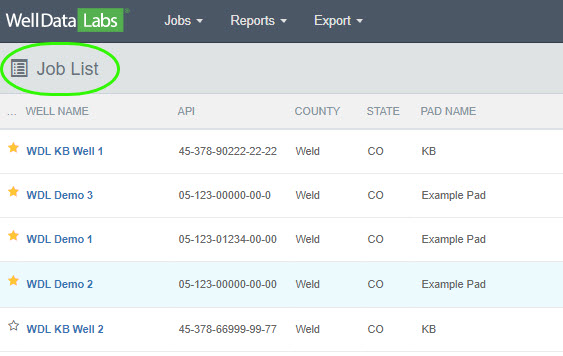
Clicking on “See all wells” will take you to the Job List where you can see all of the wells that you have access to.
On the right-hand side of the dashboard, click on a tile to quickly navigate to where you want to be in Well Data Labs! What’s behind all of these tiles? The links below will take you to more information in our Knowledge Base about each topic.
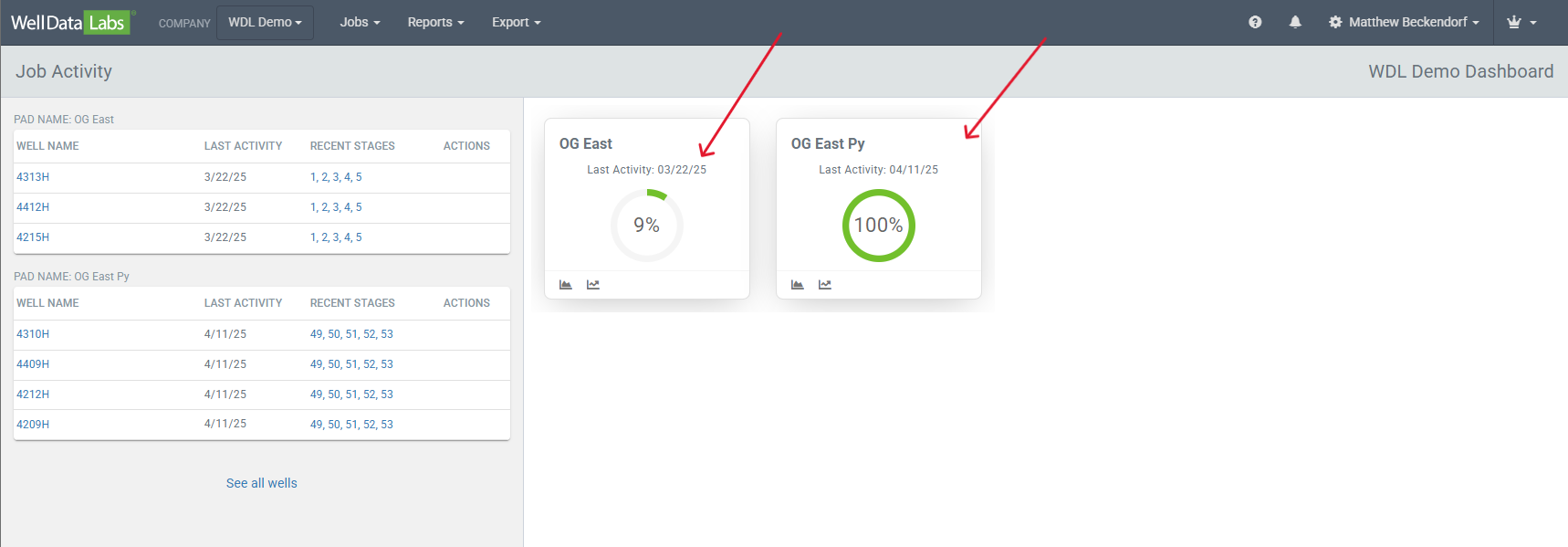
Each tile contains a pad name, last activity, percent complete, and some easy click links to the Stage Variance and Pad Review.
As an alternative to clicking on the dashboard tiles, you can always get to these pages and more by clicking on the Jobs, Reports, or Export drop-downs found on the toolbar.
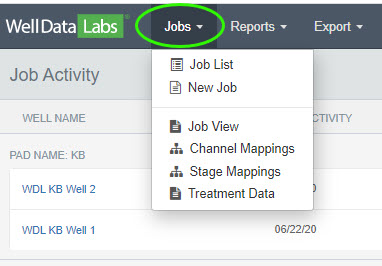
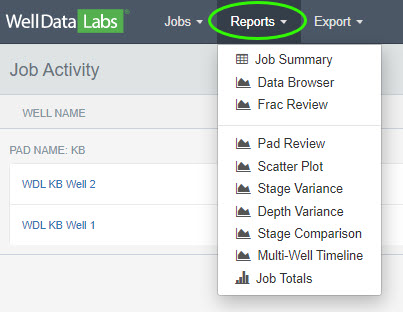
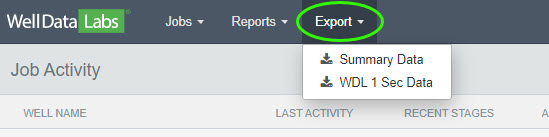
As a reminder, If you need to find your way back to the Dashboard from anywhere else in the application, click on the Well Data Labs logo in the upper left-hand corner of any screen.

Be sure to check out our Knowledge Base articles on each of the items on the dashboard to get more information on how these features can work for you. If you're ready to get your data into Well Data Labs, we suggest starting with Create New Job.